
My journey transitioning from a proprietary AVR to a DIY system
— By ttyrex
Introduction
This [Wiki, Blog, Notes] serves as a central hub to compile all the information I come across for designing my own Video & Audio system. My objective is to create a system that maintains a good balance between a great Home Theater (HT) experience (5.1) and high-quality music playback (5.1 or 2.1, 2.0).
During all this process, I’ll try to detail my exploration of various software and hardware, documenting my journey of experimentation and the refinement of my choices.
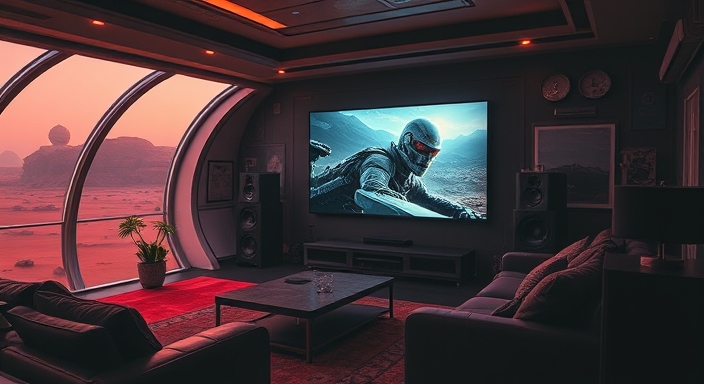
I’m a low-tech man in a high-tech world
Unfortunately, as you will read, I faced several challenges replacing the Audio Video Receiver (AVR) with the exact same technology due to restrictive equipments and an obvious effort from manufacturers in that way.
This limitation, for instance, blocked the usage of eARC/ARC HDMI in my audio configuration, redirecting me to alternative connectivity solutions.
Anyways, the journey was a super cool learning trip and the outcome remains very cool.
Let’s start!!
Revealing my motivation
Disappointed by the lack of updates for my Harmon Kardon AVR, despite its fully functional hardware (likely capable of handling the latest HD standards), my focus turned towards replacing this elegant black box (positioned at the center of the photo above) with a system I could maintain myself, supported by the Open Source community.
My friends, don’t feel bad for this master piece AVR; It will find its new place in my room, playing some original Pink Floyd records through its auxiliary input. There’s no way, this cool guy ends up a in a landfill.
Before we shift to the main topic, let’s briefly dig into the current context to establish a comprehensive list of prerequisites. After all, this is a blog!
Devices that will interact with the DIY system
Smart TV
The television model is the Sony X90J BRAVIA XR Full Array LED 4K Ultra HD HDR (XR55X90J), measuring 55 inches. It has various I/O such as HDMI arc/earc or Optical Toslink (see ref link below) and runs the Android TV operating system.
From here, I mostly use Netflix, Amazon Prime, Youtube, Tout.tv, Arté and Spotify. In addition, I also use Soma FM (during long DIY’ing nights) and VLC to play lossless audio FLAC files.
This TV has multiple HDMI inputs, which will facilitate the connection of all necessary devices. This is excellent news, as it eliminates this requirement from the DIY solution. In short, the only task will be to capture and route the audio to the new system.
Sony PlayStation 5
With this techno beast, I mostly focus on gaming, therefore don’t intend to use it much for movies or music (as I install all applications on the Android TV). The Sony PlayStation 5 is connected to the television using an HDMI port, utilizing the high-quality stock cable that came in its original package.
Nothing fancy needed on that front, let’s proceed.
Limitations
Room dimension
The room size is not that big 3m x 3m, so excessive power isn’t essential; my primary focus is on achieving optimal audio quality.
Speakers
This is my current setup (which could be adjusted for the new system), but I prefer to keep it unchanged to save costs.
Front (x2)
| Spec | |
|---|---|
| Speakers | Klipsch RB-41 |
| Impedance | 8 Ohm |
| Max input Power | 50 Watt |
| Type | Passive |
Center (x1)
| Spec | |
|---|---|
| Speakers | Polk T30 |
| Impedance | 6 Ohm |
| Max input Power | 20 - 100 Watt |
| Type | Passive |
Rear (x2, Surround)
| Spec | |
|---|---|
| Speakers | Polk RM6751 |
| Impedance | 8 Ohm |
| Max input Power | 100 Watt |
| Type | Passive |
Subwoofer (x1)
| Spec | |
|---|---|
| Speakers | Polk PSW111 |
| Impedance | 8 Ohm |
| Max input Power | N/A (Built-in dedicated 300-watt amplifier built-in) |
| Type | Active |
Additional notes regarding the current HK AVR
As mentionned earlier in the post, the current audio-video receiver (AVR) in use for now is a Harman Kardon AVR 1510 and my goal is to replace it with a DIY solution since it has been abandoned by the manufacturer (last firmware update was in 2015).
Before moving out this beauty, let’s explore what’s inside, especially how connections are established between components (e.g., Amp circuit, Processing, Front panel and so on).
Perhaps I’ll discover some valuable insights to complete my goals…

HK AVR 1510 ref
A few smart takeaways I might be able to re-use in my own system:
- TBD
- TBD
After opening the black box and clean all the dust, I have identified a STM32F205 chip (Arm-based 32-bit MCU, 150 DMIPs, up to 1 MB Flash — In the center of the photo). The ARM logo caught my attention, I suppose.
This took my mind back to the moment when I flashed the AVR the latest version available for download.
If you are willing to update your HK device, you need to format your usb flash drive in fat (nothing else will work with this model). For your info, there is NO ChangeLog included in the archive, so I am uncertain about the improvements you get in version V001.10. The only apparent change at present is that the AVR will automatically power off after a few hours of standby (no sound), despite my selection of the specific setting to prevent this. This results in the network API or the TV being unable to switch it back automatically on when needed.
Hey HK folks, if you happen to come across this, your latest commit seriously sucks.
Anyway. Back to this firmware file, there is a difference of size 3.0M and the capacity of this ARMchip (1.0M) — As described on the datasheet.
There must be something more to explore here. Oh wait, where am I going with that one? 🤓
I have no specific goal here (except having fun), but let’s test this theory with a famous internet one-liner-linux-ninja-trick to visualize any binary content as a image!
$ (echo "P5 512 4096 255"; cat 'AVR1510_USB(V001_10).fw') > avr.pgm
For ease of reading, I have gimp’ed the file, but you can click on it to view the full result.

Correct — Blank spaces (the white separators in the image above) clearly indicate the presence of multiple sequential blocks (therefore several files/firmware) that would need to be extracted and analyzed one by one. By the way, when you flash your device, you will see it updates the MCU and the DSP. Makes sense now.
A few additionals binwalk, strings or hexdump will also provide additional insights into the capabilities of the HK AVR.
Anyhow, this interlude was cool, but there is no way to profit from this path. Without legislation mandating vendors to disclose their code after a designated period, updating this machine is impossible. Take a moment to consider all aspects, including binary reversals and new/re-implementations (with the necessary toolchain). My goal remains (more than ever!) to build and run an Open Source system, as the only sustainable way forward.
This is also the reason why all these unmaintained copies of copies, electronic black boxes, enforced-obsolete and non-repairable poses a serious detriment to the planet. They are designed to end in landfills.
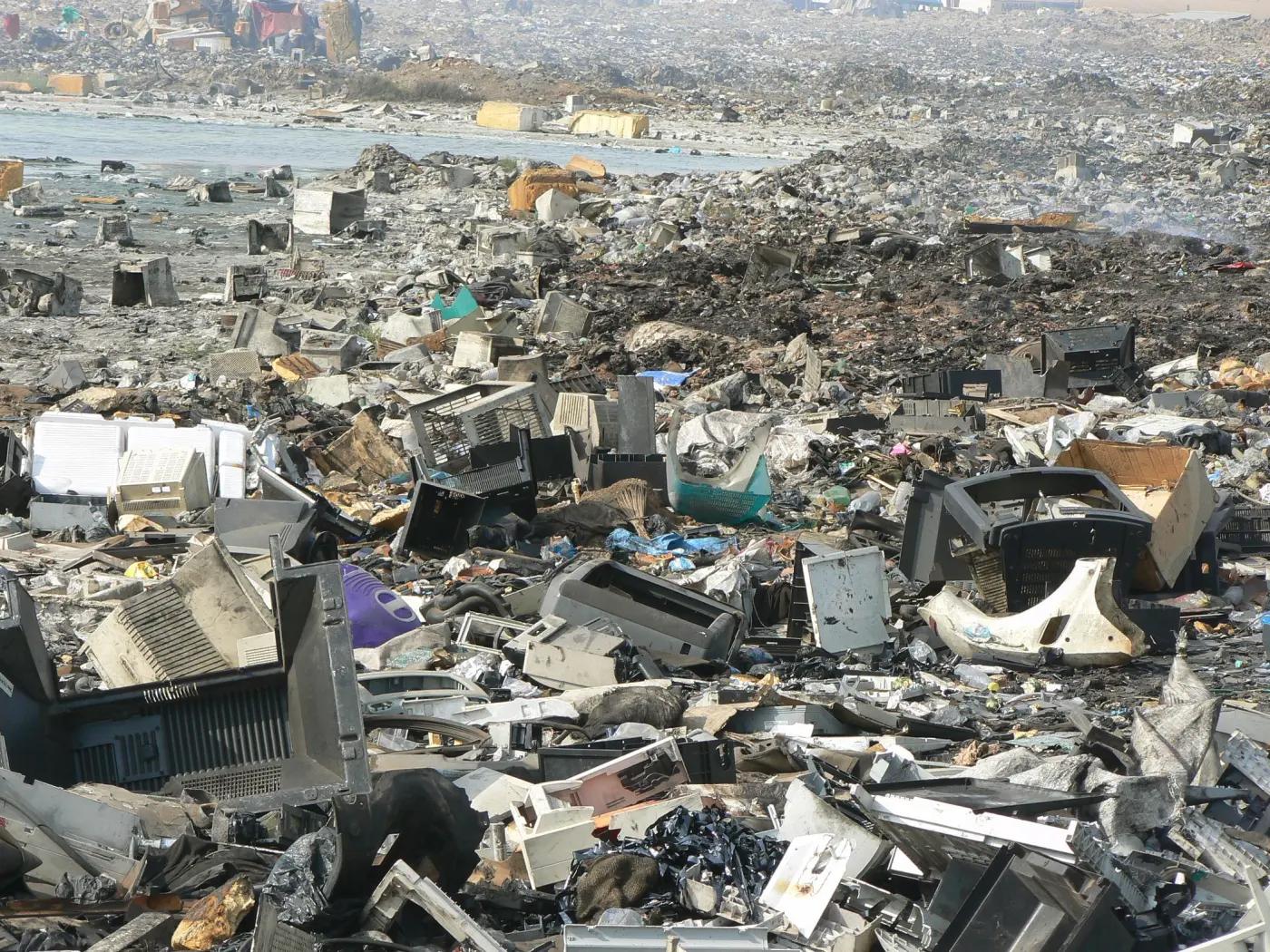
Let’s move on before we all feel guilty and have to explain the truth to our children.
Building Your Own System: Concepts and Ideas
System design
The design is currently in development, but here is the overarching concept.

| Color | Legend |
|---|---|
Blue | External components |
Purple | External components I/O |
Yellow | DIY |
Orange | DIY I/O |
Link that can be edited with draw.io: Design diagram
As mentionned earlier in this post, the DIY system’s main task will only be to decode the audio stream from the TV (digital) to route it to the amplifier (analog). As this system is used both for Home Theater and Music playback, it has to handle various channels routing/mixing (such as 5.1, 2.1 and 2.0) and codec (such as Dolby Digital, DTS, Dolby TrueHD, DTS-HD, PCM, AAC, etc).
Features / Requirements
- Home Theater with a surround 5.1 audio experience from popular streaming services running on the Sony TV (
Amazon Prime,Netflix, etc) - Play
FLACaudio files from NAS (export NFS). Example of format:FLAC audio bitstream data, 24 bit, stereo, 192 kHz - Internet radio (
SomFM DefConis mandatory!) - TBD
- TBD
Hardware components
Core
The core element of the system will be a computer, like a Raspberry Pi or a fanless mini-ITX PC, running the Linux Operating System. According to my current plan, this system will primarily focus on audio workflows, with the Sony TV handling all video-related tasks independently.

As show, on the picture above, it relies on a single TOSlink connexion to route the sound from the TV to the computer. I failed to use the HDMI ARC/eARC link. For some obscure reasons, this does not seem to be the prefered path of DIY entusiats. I couldn’t identify a straightforward method to configure the computer as an HDMI Receiver then gave this idea when I realized that my only alternative was to introduce an additional closed-source hardware into this picture.
Moving on with TOSlink.
Audio workflow
TOSlink (which is an optic interface to use SPDIF) transmits audio streams as “numeric data” (unlike RCA that transmits audio as an “analog signal”). It uses light (optic fiber) to “carry” the data but the codec of the audio source is crucial because the receiving device (our computer) will have to interpret and decode it (to finally produce sound through the speakers).
On top of that kind of audio link, there is NO software layer that facilitates both the sender and the recipient in identifying a common audio format (This exists over HDMI). Therefore, you need to ensure that each element of the sound workflow (from the audio source to all devices along the path) has the ability to decode the stream.
Headers Information within the stream contains the details about its audio format, therefore the receiver can easily understand which decoder it needs to use. In the case of our DIY system, it’s essential to ensure that all formats used on the TV (from streaming apps or “real” computer files) are supported (either directly by the audio interface or worst case scenario by the Operating System). This will be further elaborated in the section below Sound Card.
Nowadays, some device can also transcode “on the fly” (convert the source to a different format) before passing the audio stream to the next element. This is the case of the Sony Smart TV, which can automatically down-mix Audio sources, particularly when dealing with very high-quality audio formats like Dolby TrueHD. However, we will try to avoid such step to get the best quality we can in our solution.
Similarly, many devices have the capability to function as “PassThru”, allowing them to leave the content unchanged and solely route the audio stream.
FYI, It is also possible to route the Audio Out from the TV to an AVR via HDMI eARC/ARC, but i am still unsure how to proceed in a scenario like mine, where a computer replaces a regular AVR.
Choosing a PC board and its Operating System
In order to quickly test various Linux flavors available today on this market, I decided to build a quick prototype. Bascially, plugged a cheap chip 🤡 on a Raspberry Pi 4 (to add a decent audio output, also know as a Digital Audio Converter DAC).

The board I acquired (HiFi DiGi) features a CM5122 chip, accessible through the serial bus, commonly referred to as the I2S interface. This connection is established physically through the GPIOs on a Raspberry Pi 4. Utilizing a “Pi hat” makes the integration as hard as assembling Lego pieces.
This DAC doesn’t have all the required I/O for the final project, but it is OK for now and offers a very decent sound quality for its price. However, a downside of this board is that the RCA connector is soldered directly onto the board, making it challenging to extend or place a different connector. I managed to find a solution with some dirty soldering directly on the connector. Yup. Dear reader, No comment please.

Sound Card
When you connect your TV’s Toslink (optical) output to an audio device, the compatibility with formats such as AC3 (Dolby Digital), DTS, Dolby TrueHD, etc., depends on the capabilities of both your TV and the audio device. Here’s why:
Format Transmission:
Toslink is capable of transmitting various audio formats, but not all formats are supported universally. Some TVs may be able to pass through specific formats over Toslink, while others may only support standard PCM (Pulse Code Modulation) audio. TV Decoding Capability:
Some TVs are equipped with built-in audio decoders for formats like Dolby Digital or DTS. In such cases, the TV can convert the incoming audio signal to the supported format before sending it through Toslink. If your TV has this capability, the audio device may not need to handle the decoding directly. Audio Device Compatibility:
The audio device connected to the Toslink output must be capable of decoding the audio formats that your TV is transmitting. For example, if your TV can send Dolby Digital signals, the connected audio device should be equipped with a Dolby Digital decoder to process and play the audio. High-Resolution Audio:
For high-resolution audio formats like Dolby TrueHD or DTS-HD Master Audio, Toslink may have limitations due to bandwidth constraints. In such cases, the TV might downmix or convert the signal to a format that is compatible with Toslink.
Based on previous comment, a simple Rpi4 DAC Hat is not suitable because of lack of I/O needed on this project. TBD.
Amplifier
I’ve determined that a 4xchannels board featuring the TPA3255 chip would be ideal, but it appears that the version available on Amazon.ca has a problem with its heatsink!
Front Panel
TBD
Case
TBD
Display
TBD
Remote
TBD
^EOF